The SessionCast desktop app enters public beta today. Native window, instant launch, and the full workspace experience without a browser tab in the way.
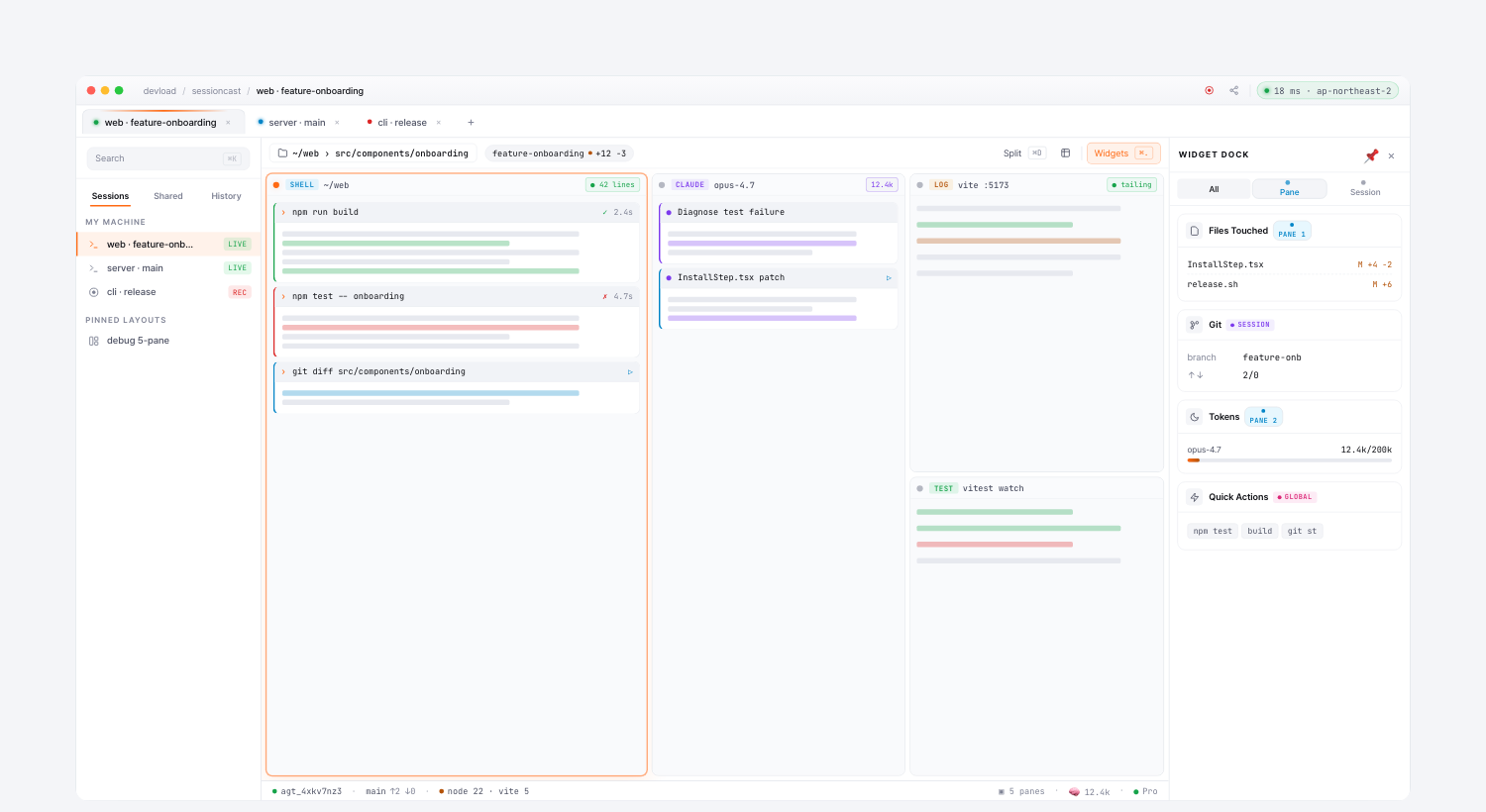
Why a desktop app
- Always one keystroke away — pinned to your dock, opens instantly, survives browser restarts.
- OS keychain integration — sign in once, sessions auto-resume across restarts (no copy-pasting tokens).
- Local-direct mode — talks straight to your local tmux server when the agent is on the same machine, skipping the relay round-trip.
- Multi-pane workspaces — split as many terminals as the screen can fit, with the same type-color header chips, scope-tagged widget dock, and tab bar as the web.
Built on Tauri
Bundle size ~12 MB, native window controls, real keyboard shortcuts. No Electron-sized memory overhead.
Install — one line in Terminal (recommended)
curl -fsSL https://sessioncast.io/install.sh | bashThe beta isn’t notarized yet, so a plain browser download will trigger “SessionCast is damaged and can’t be opened” — macOS’s default reaction to any unsigned app that carries the download quarantine flag. This installer sidesteps that: curl downloads don’t get the flag, so the script pulls the dmg, mounts it, copies the app to /Applications, and launches it. Nothing else to click.
Fallback: browser download
- macOS (Apple Silicon) — SessionCast_0.1.1_aarch64.dmg · 4.7 MB
- macOS Intel, Linux, Windows — next beta.
If you go this route and hit the “damaged” dialog, run once:
xattr -cr /Applications/SessionCast.appWhat’s next
Codesigning + Apple notarization land before v1.0 — after that, a plain double-click will just work.
This is beta — feedback, bug reports, “this should work differently” notes are all wanted.