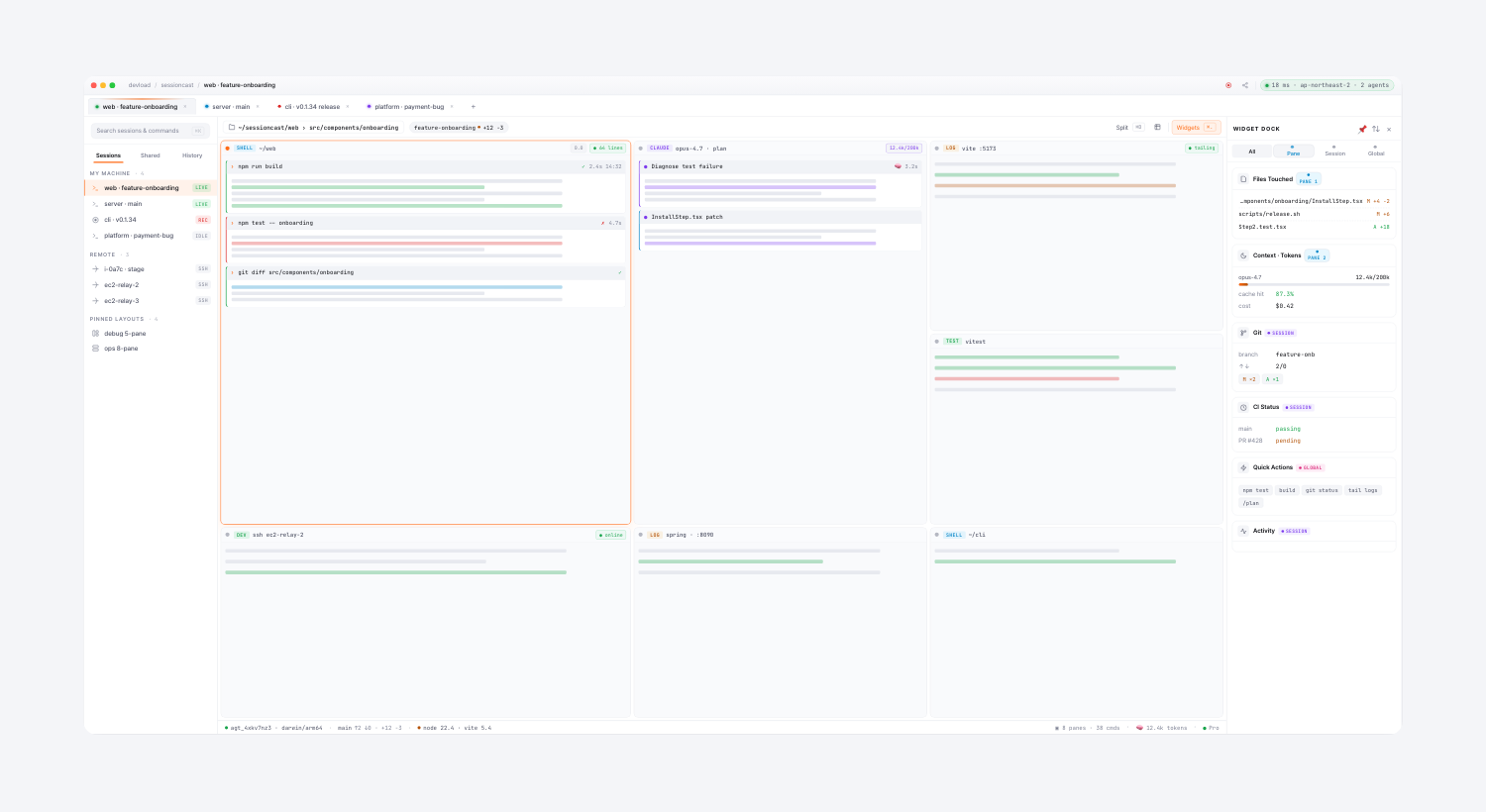
The new web client (and desktop beta) lets you open multiple sessions side-by-side inside a single workspace tab. Click any session in the Other Sessions widget — it pops in next to the active one instead of replacing it.
What you get
- Up to 8 panes per workspace (1 primary + 7 splits).
- Column-first auto layout — 2 panes → 1×2, 3 → 1×3, 4 → 1×4, 5–6 → 3×2, 7–8 → 4×2. The grid reshapes itself so every pane stays usable.
- Switching the primary tab clears the split — splits belong to this workspace, not the next session you visit.
- Mobile keeps it single — narrow screens fall back to one-at-a-time navigation. Split is a desktop superpower.
Compare AI runs side-by-side
The original motivation: run two AI sessions on the same problem (Claude vs Codex) and watch them write at the same time. Or keep npm run dev, tail -f logs, and your CLAUDE session all open without alt-tabbing.
Where to find it
Open any session at app.sessioncast.io, then click another session in the right-hand Other Sessions widget — it splits in.