The right-hand sidebar grows up. Every widget now declares whether it follows the active pane, the session as a whole, or your account — and the colored badge says so right on the card.
Three scopes, three colors
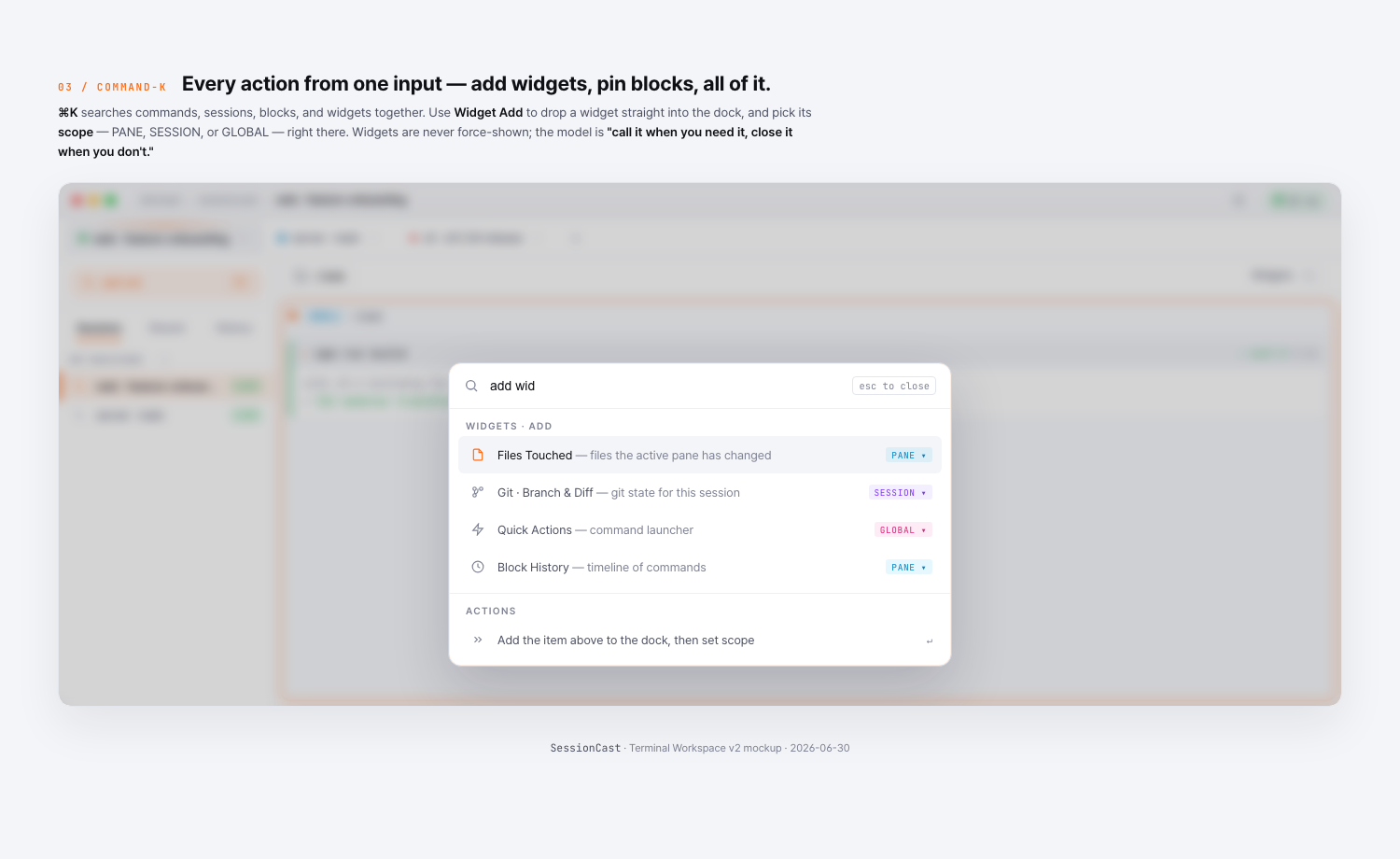
● PANE(sky) — follows the currently focused pane. Switch pane → the widget re-binds. Example: Files Touched, Context · Tokens, AI Agent, Tool Usage.● SESSION(violet) — pinned to the active session. Example: Git Info, Worktrees, Session Stats, Cost Tracker.● GLOBAL(pink) — your account. Stays put even when you swap tabs. Example: Quick Actions, Notifications.
Why this matters
Before, you’d open a widget and not know whether it was reflecting the pane you were looking at or some other one. Now the scope is explicit, the data is explicit, and the dock stops lying when you split.
Try it
Open the right-hand dock on app.sessioncast.io — every card now shows its scope. The picker (Add widget) shows the scope before you add it, so you can plan your dock layout deliberately.